Why manual mileage logs fail
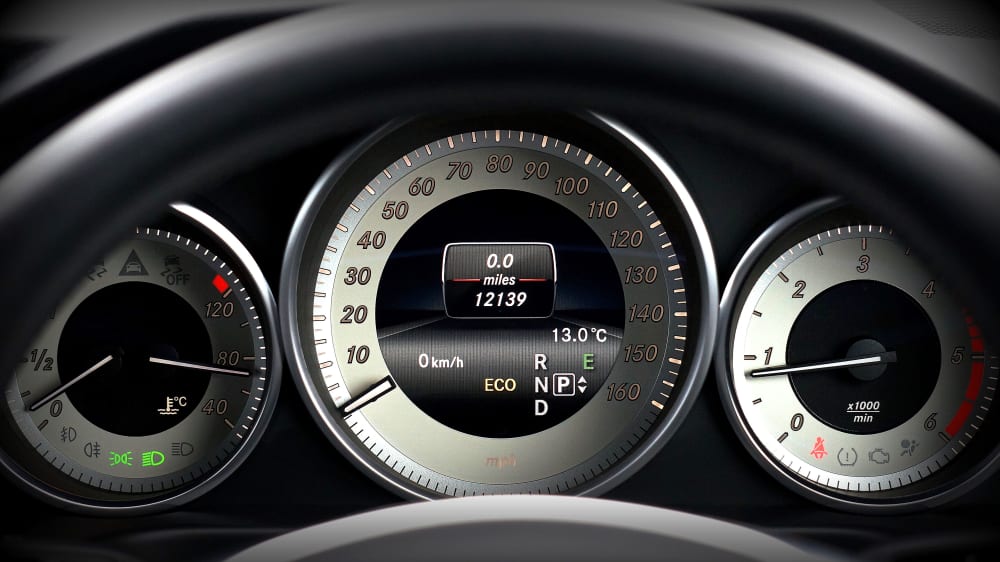
When workers fill in kilometres at the end of the week, they're reconstructing routes from memory. The result: rounded numbers, missing trips and disputes at month-end. Payroll is inflated or under-reimbursed, and the company has no defensible audit trail.
What automatic capture looks like
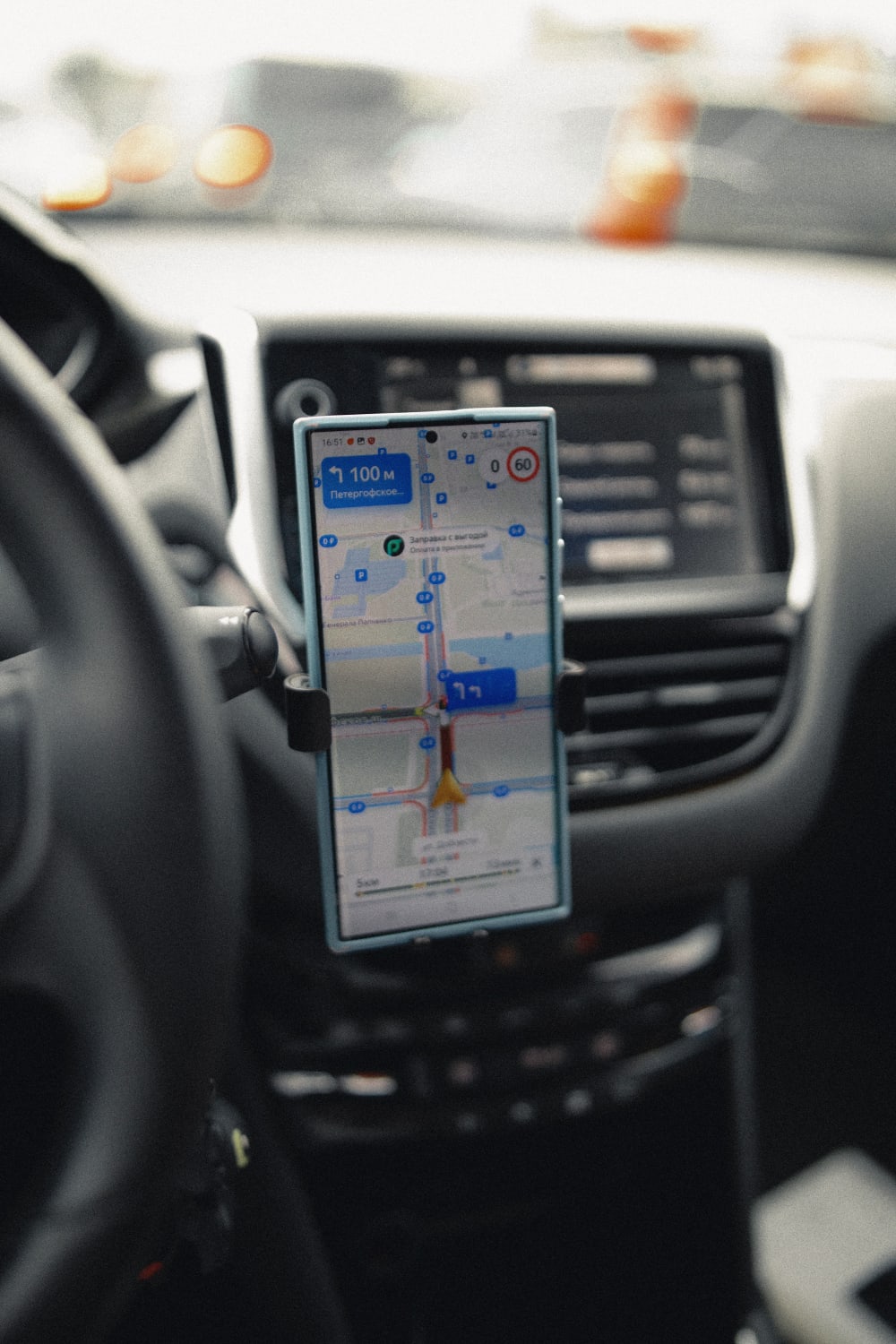
A GPS-based system logs departure point, arrival point, actual route and exact distance for every trip — in the background, while the worker is driving. No manual entry. The data is timestamped, linked to the right client or project, and immediately available in the back office.
The worker selects the transport type at the start of the trip (own car, company vehicle, carpool, bike). The system applies the correct reimbursement rate automatically and flags anything above the threshold that requires proof of real costs.
What it saves
- Admin: no chasing paper logbooks or correcting spreadsheet errors at month-end
- Disputes: GPS-confirmed data is objective — clients and workers see the same numbers
- Cost: kilometres that would never have made it onto an expense note are captured automatically
- Compliance: a full audit trail per worker, per trip, per project — ready for inspection
What to look for in a mileage tool
- Automatic capture via GPS — no manual entry for workers
- Multiple transport types with configurable rates
- Per-project or per-client trip linking
- GDPR-proof: GPS active only during working hours, data hosted in the EU
- Export-ready reports that feed into payroll or invoicing
How Done-it handles it
Done-it captures trips automatically via Trax-it — GPS logs the route, the worker selects the transport type, and the system applies the right rate. Everything links to the correct project or client. Reports export directly into payroll or e-invoicing, with no manual transcription.