
Project & operational control
From hours to full control
Done-it's Project plans give you operational control of every job — planning and organisation, extra work and materials, subcontractors, documents and photos, and every trip tied to the right project. In the same app your team already uses for time.
Why employers choose Project
Built for teams that run projects, not just hours
Time tracking tells you how many hours were worked. Project tells you how the job is actually running. Planning, extra work, materials, subcontractors, documents and travel all sit on one project — while the work is still open, not weeks after.
Kitchen renovation
Antwerp · #PRJ-204
77% logged · 12 days left
What's inside
Everything to keep a job under control
Project planning & organisation
Open a project with dates, planned hours and the crew. Every worked minute lands against it automatically.
12 of 30 days left
Project documents & photos
The address, contact and files your crew needs on site — plus the photos they send back, stored on the project.
Vehicle Track & Trace
Paid optionKilometres measured automatically by GPS — no manual logging. Keep an eye on the fleet and link vehicle use to the right projects.
Subcontractor management
Add subcontractors to a project, track their hours alongside your own crew, in one overview.
Project reports & history
Digital timesheets per employee and project, export-ready. An activity log and corrections keep the record clean and auditable.
Mileage & travel per project
Trips tied to the project they served, not a generic logbook — so travel lands on the right job (Project Pro).
Extra work & materials
Out-of-scope work and materials logged on site with text and photos — nothing gets billed from memory.
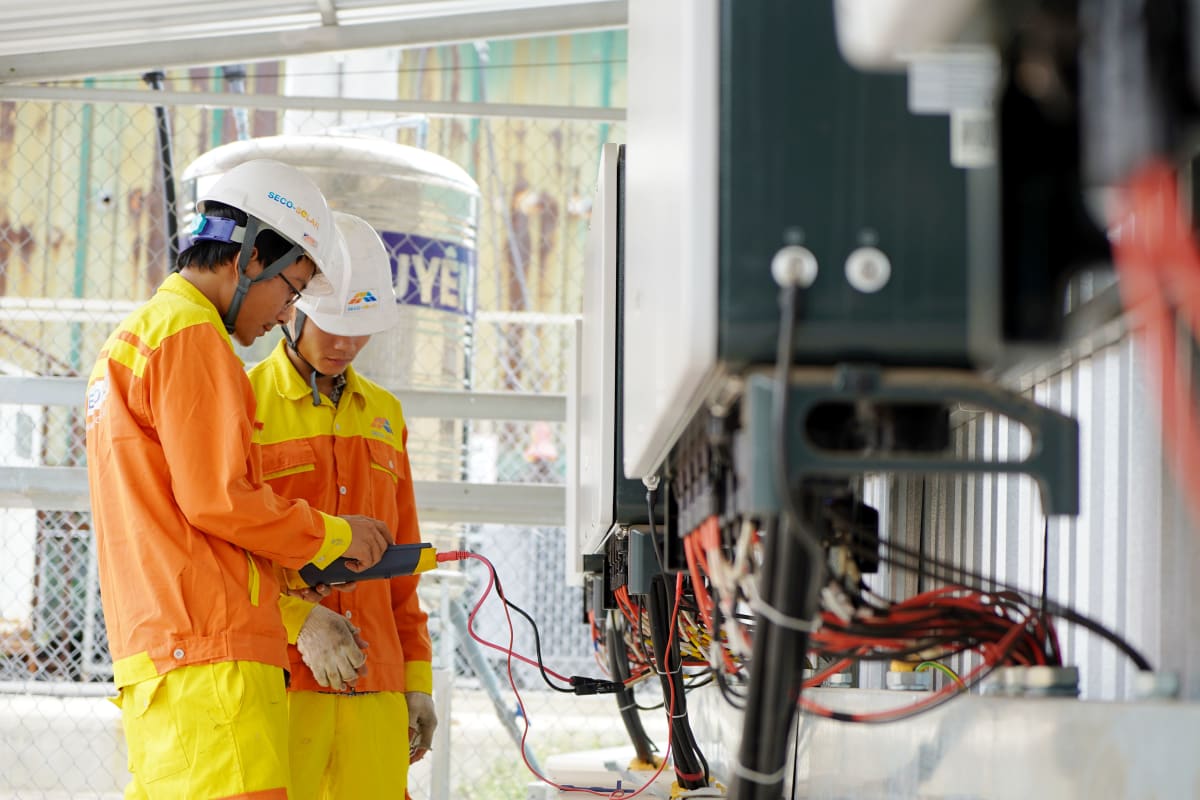
Keep an eye on your crew
Catch inaccurate time entries before they reach payroll
See when employees arrive, where they are working and how much time is spent on each project. GPS-verified check-ins provide accurate records for payroll and compliance, all without extra paperwork.
Everything in one place
A quick look at everything Done-it does
Scan the full picture first — then dive into the ones that matter to you below.
From open job to delivered
Three steps from a fresh project to a full history — with everything that happened on it in one place.
Open a project
Set dates, planned hours and the crew. Add the address, contact and files your crew needs on site.

Work logs against it
Check-ins, extra work, materials, photos and trips all attach to the project automatically — no manual entry.
Keep the history
Every hour, document and trip stays on the project — export the report, or look it up months later.
Project & operational control
Full control of every job
Project plans add planning, subcontractors, documents and project-scoped travel on top of everything in Time.
Project Basic
Project & cost control
- Everything in Time Basic
- Project management (budget)
- Subprojects
- Subcontractor management
- Extra work & materials
- Everything in Project Basic + Time Pro
- Transport linked to projects
- Employee documents
- Full productivity suite
- Priority support
See the full breakdown — Time vs Project — on the pricing page.
“Hours land on the right project automatically. Job costing is suddenly easy — we see exactly where each job stands while it's still running.”
Take control of your projects
30 days free, no card needed.